
Features
Everything You Need to Build a Modern Knowledge Base
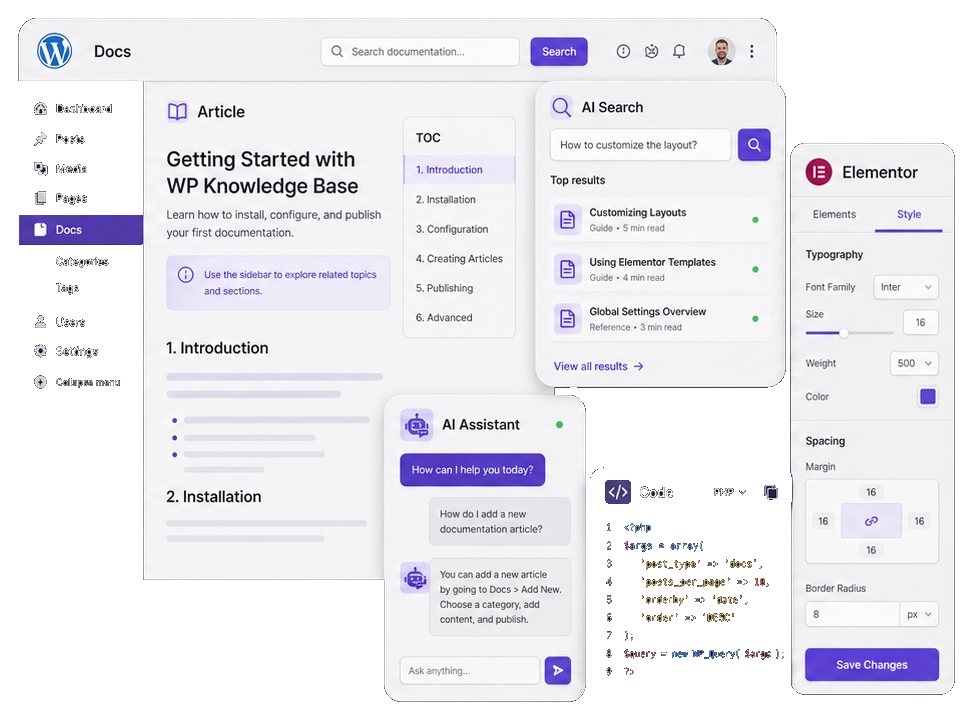
Create organized documentation, intelligent search, AI-assisted support, developer-friendly articles, and Elementor-ready layouts inside one flexible WordPress system.

Structured Docs

AI Search

AI Chatbot

Article UX

Developer Docs

Elementor Ready
Feature Pages
One Theme. Every Knowledge Workflow.
From product documentation and API references to changelogs, FAQs, videos, galleries, and feedback boards, WPKnowledgeBase gives you the page types needed to support users at every step.
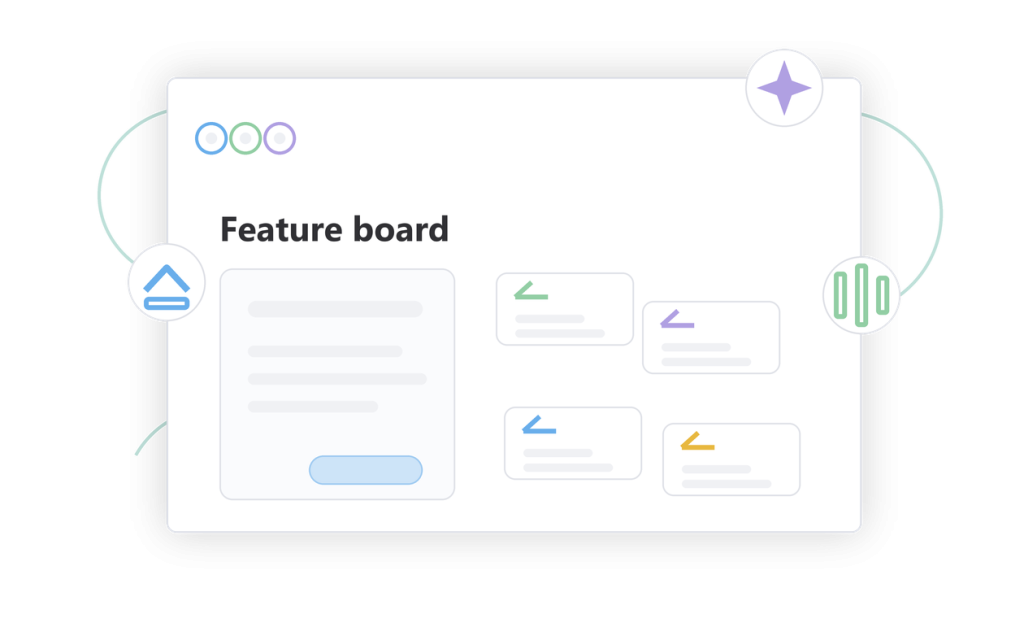
Let users vote on ideas
Give customers a public place to submit feature requests, vote on ideas, follow progress, and help your team prioritize what matters.
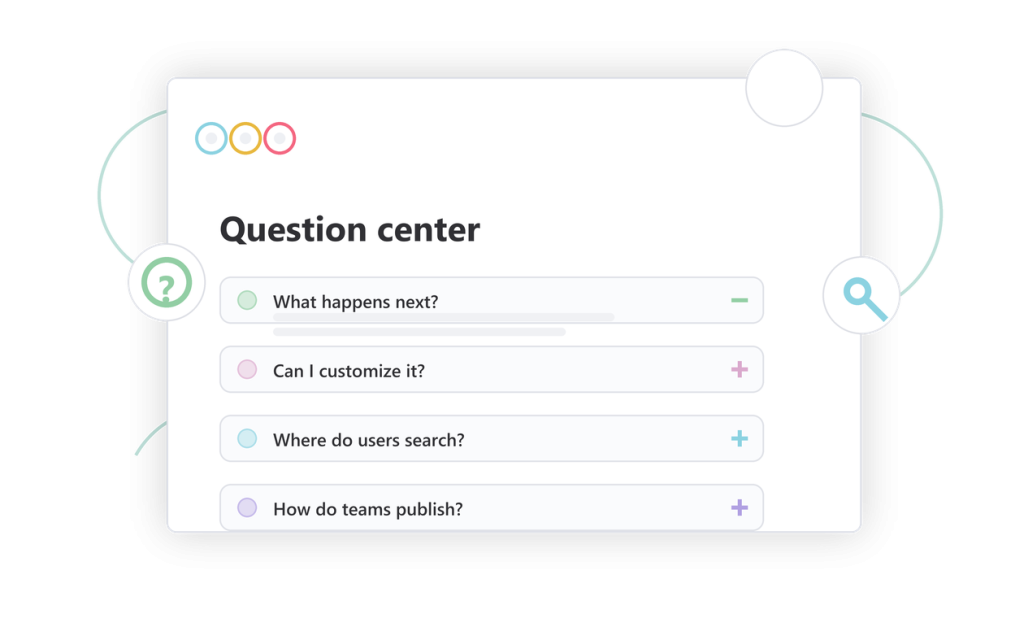
Answer common questions fast
Create a focused FAQ center for recurring support questions, onboarding blockers, and quick answers your users need most often.
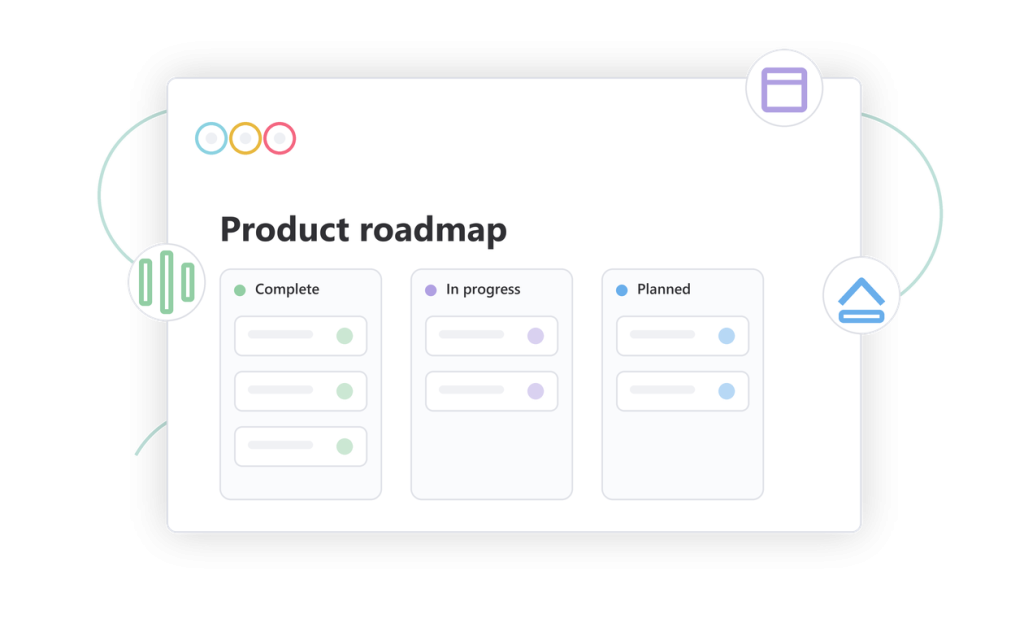
Collect feedback and show progress
Build a public roadmap where users can browse boards, follow statuses, vote on ideas, and see what is planned, in progress, or complete.
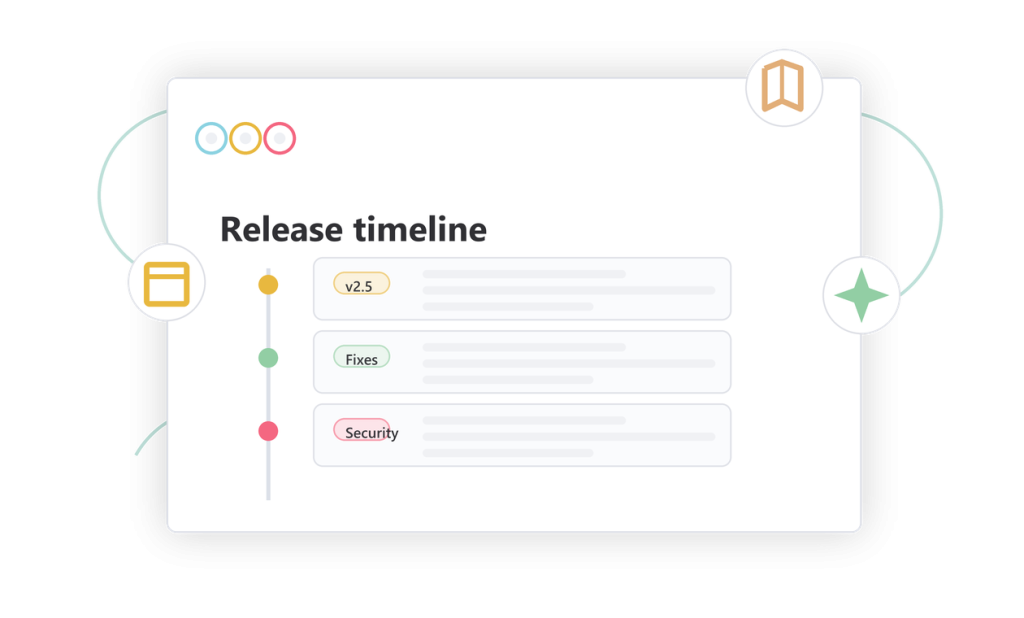
Show product changes clearly
Publish release notes, fixes, improvements, and product updates in a structured changelog experience users can follow over time.
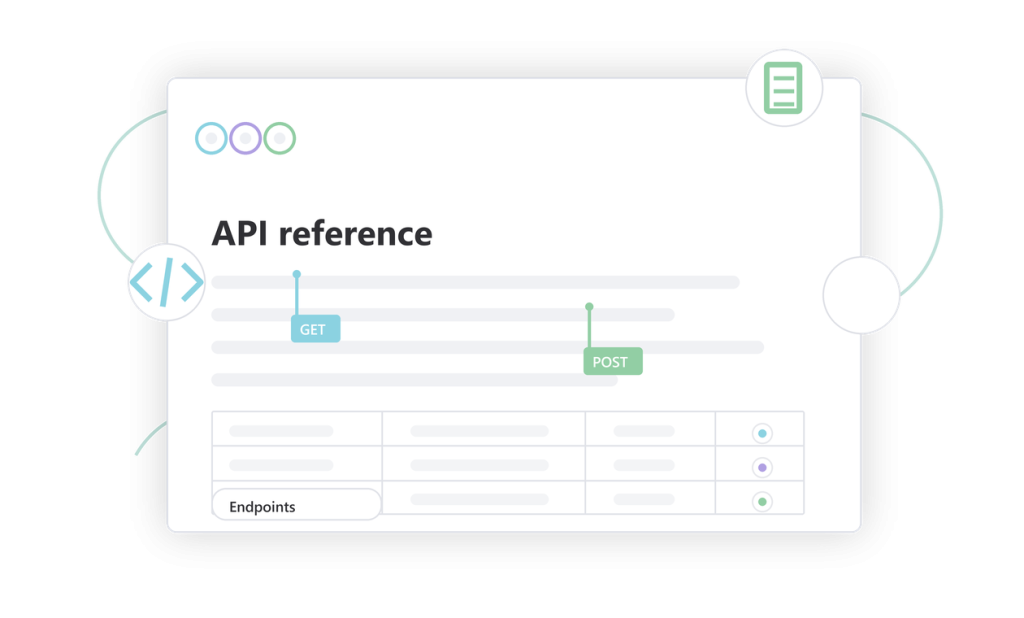
Document every endpoint clearly
Publish technical API documentation with endpoint groups, method badges, authentication notes, examples, and support content that helps developers integrate faster.
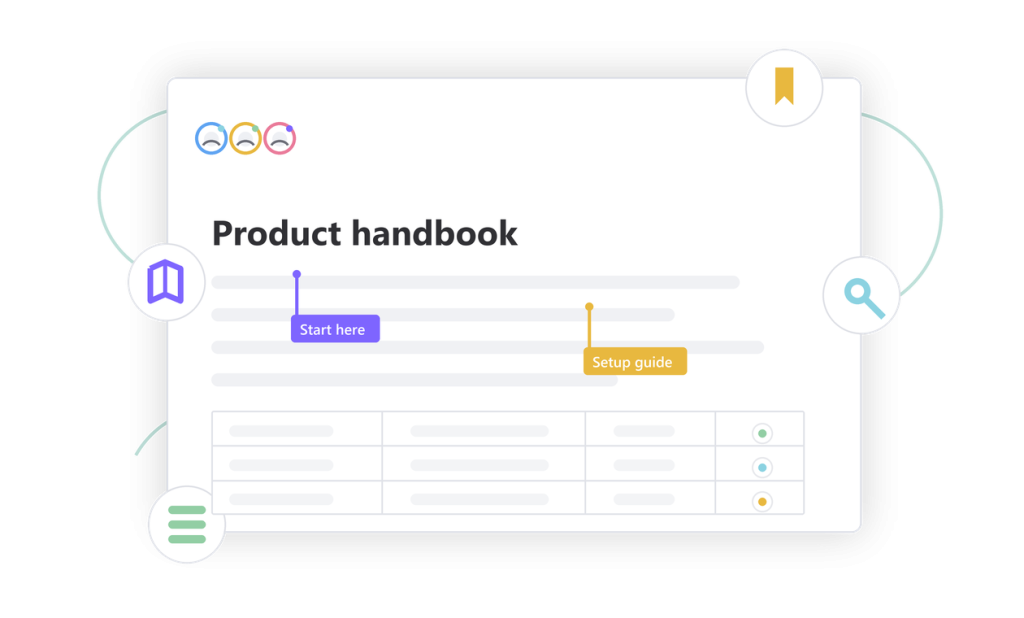
Build a complete self-service docs hub
Create organized product documentation with guide pages, category and tag entry points, popular articles, breadcrumbs, and a clean reading experience built for WordPress.
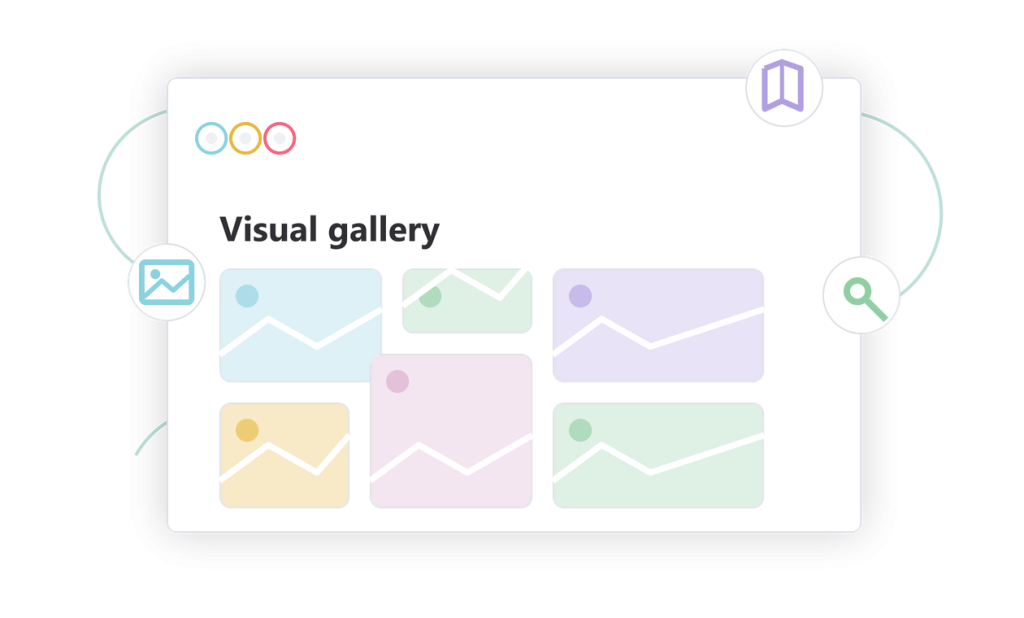
Showcase visual resources
Create a polished gallery for screenshots, examples, design assets, product visuals, and media collections connected to your documentation.
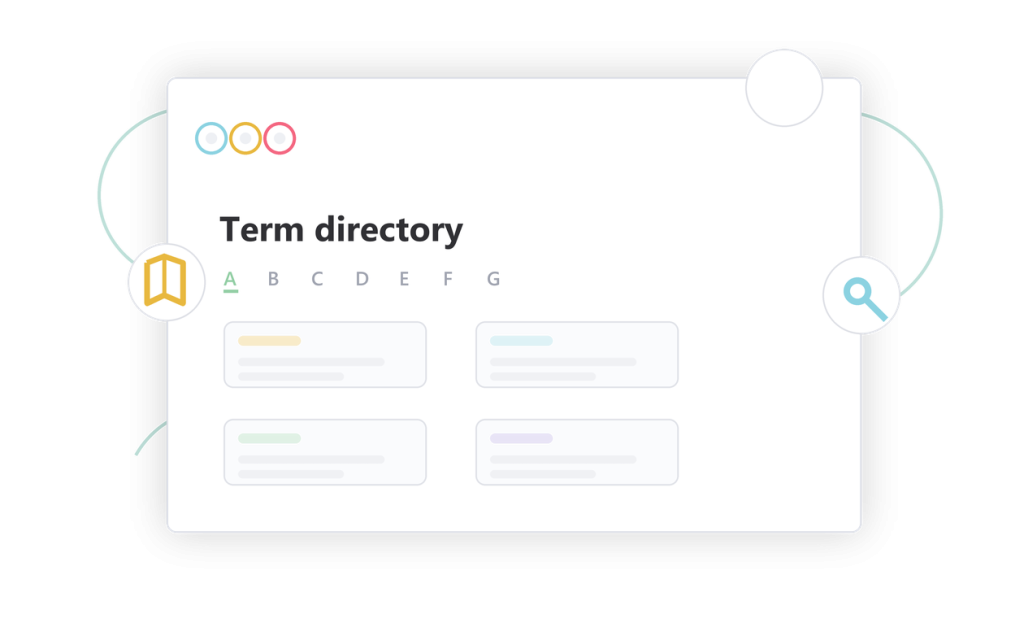
Define every important term
Build a searchable glossary that explains product terminology, technical concepts, and internal vocabulary in a simple reference format.
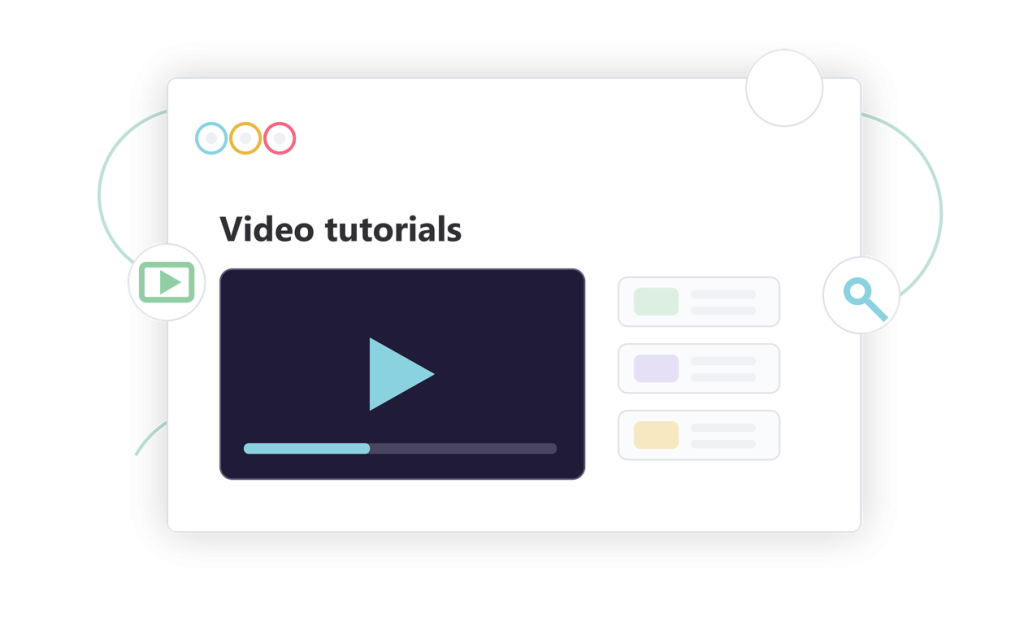
Turn tutorials into a video library
Publish searchable video tutorials, product walkthroughs, and training content with filters, tags, and a clean learning archive.
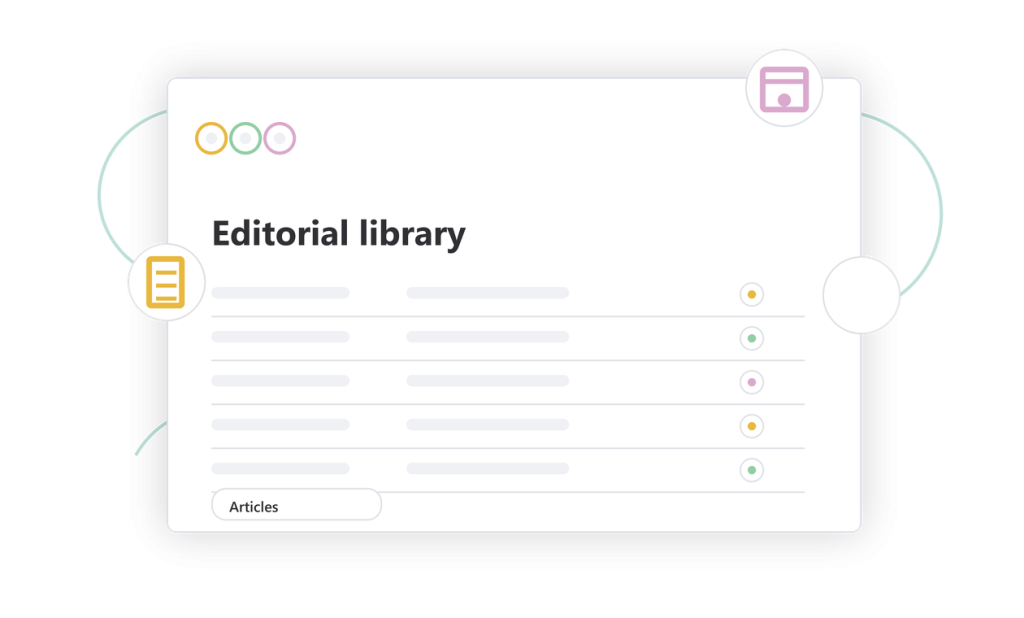
Publish product updates and articles
Create an editorial layer for announcements, guides, changelog stories, and support content, with year archives, tags, author details, and clean article previews.
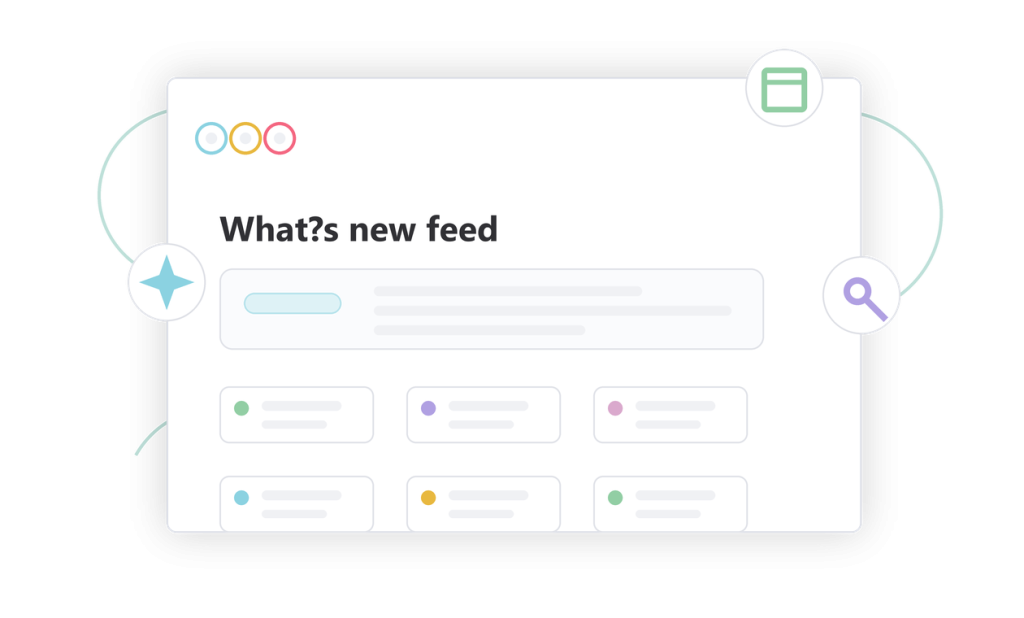
Highlight the latest product news
Create a modern update hub for fresh documentation, new features, product announcements, and content your users should notice first.
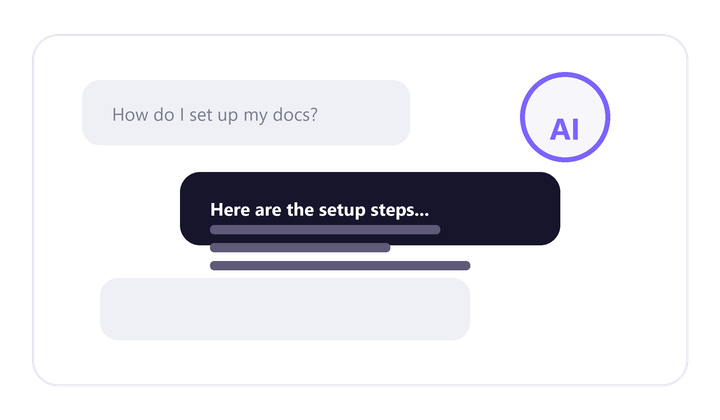
Answer users instantly inside your docs
Give visitors a guided assistant that understands documentation questions and points them to useful answers without waiting for human support.
- ✓ Resolve common support questions
- ✓ Guide users to the right article
- ✓ Keep self-service available 24/7
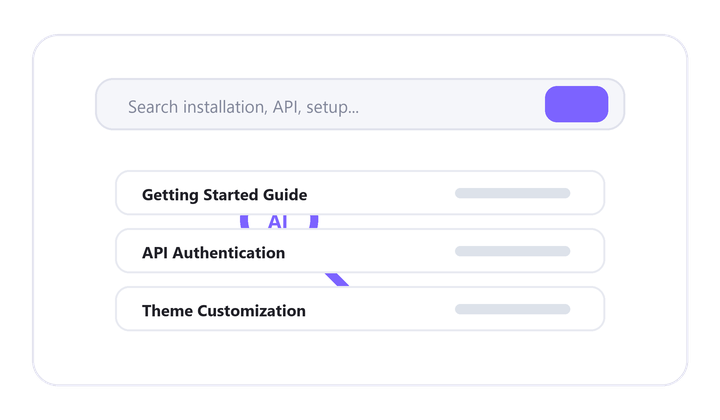
Find the
right answer faster
Turn keyword search into intent-aware discovery, helping users reach the most relevant articles, guides, and explanations with less friction.
- ✓ Understand natural-language queries
- ✓ Surface relevant documentation faster
- ✓ Reduce dead-end searches
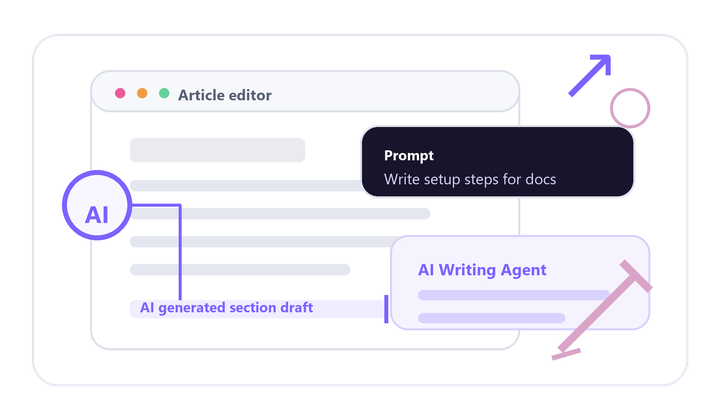
Create doc without starting from zero
Help your team draft support articles, product guides, and documentation updates from simple prompts and structured product knowledge.
- ✓ Draft articles and guides
- ✓ Speed up content production
- ✓ Keep writing structured and clear
Turn doc ideas into helpful visuals
Create simple visual assets for tutorials, guides, and knowledge base articles so users can understand complex steps faster.
- ✓ Generate article illustrations
- ✓ Support step-by-step tutorials
- ✓ Make content easier to scan
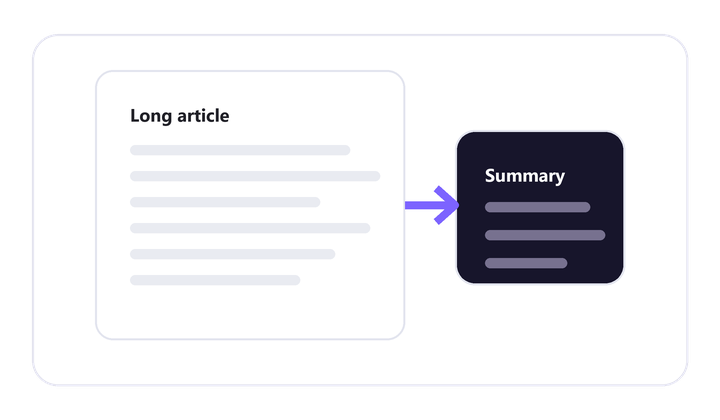
Make long articles easier to understand
Condense detailed documentation into short, useful summaries that help readers decide what matters before reading everything.
- ✓ Summarize long articles
- ✓ Improve quick comprehension
- ✓ Highlight the key takeaways
SEO Ready
Built to Be Found, Ranked, and Trusted
Give every documentation page a stronger search foundation with WordPress-native URLs, Rank Math optimization tools, structured data, sitemaps, and a cleaner internal content graph.

SEO Friendly URLs
Use readable permalinks and indexable documentation paths built on WordPress routing.
Rank Math Schema Markup
Add structured data for articles, breadcrumbs, and rich search context.

SEO Titles and Meta
Control titles, descriptions, social previews, and optimization signals for every article.
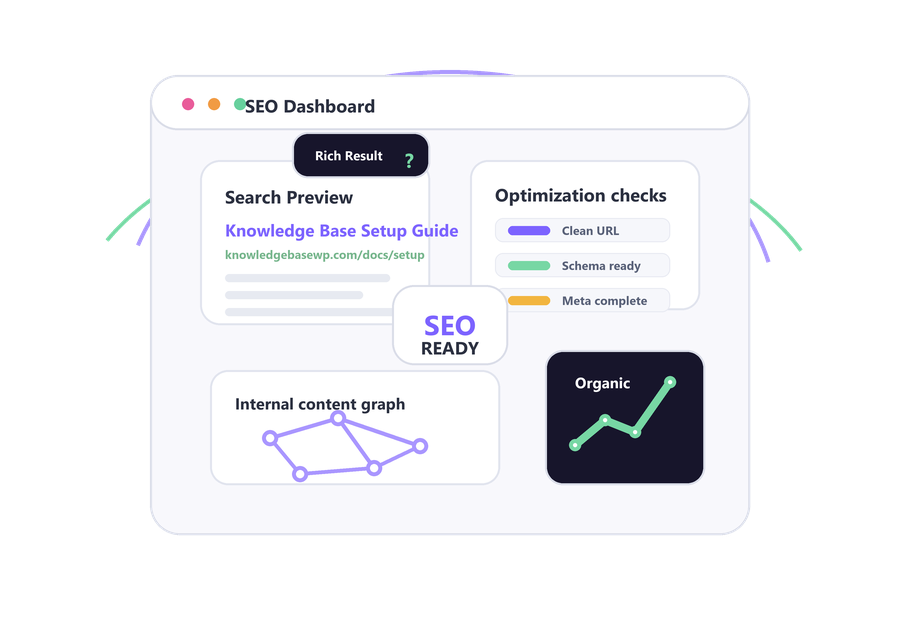

XML Sitemaps and Indexing
Help search engines discover documentation pages and updates through clean XML sitemaps.

Content SEO Analysis
Use Rank Math scoring to improve keywords, headings, readability, and article structure.

Internal Linking Structure
Connect guides, categories, tags, breadcrumbs, and popular articles into a stronger SEO graph.
Powerful Features
Powerful Features for a Complete WordPress Knowledge Base
WordPress Base
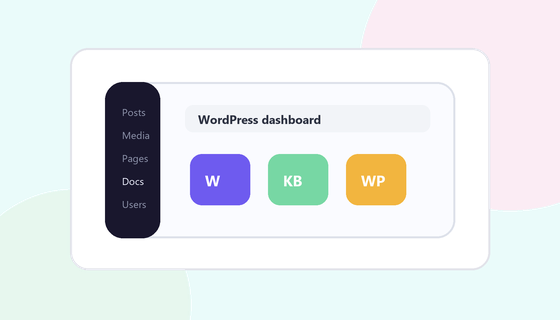
Build documentation directly inside WordPress with familiar publishing workflows.
Elementor Ready
Design knowledge base pages visually with flexible Elementor-ready layouts.
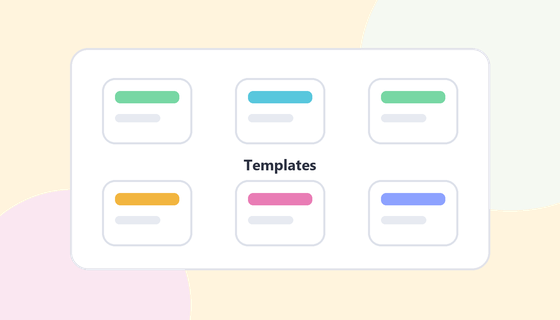
Ready Template
Launch faster with prebuilt layouts for guides, articles, FAQs, and hub pages.
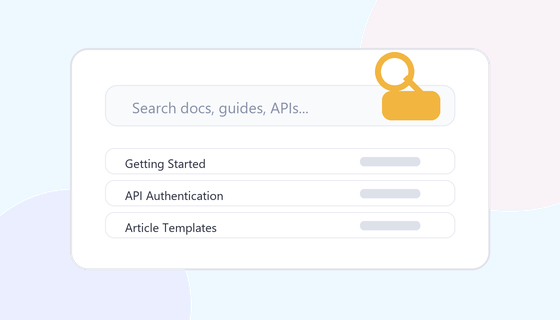
Advanced Search Bar
Help visitors find relevant answers instantly with focused live search.
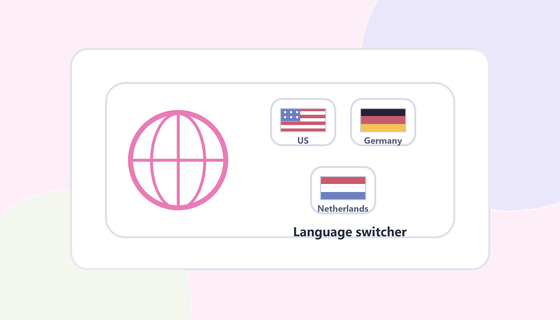
Multilanguage Translation
Let visitors switch the knowledge base into the language that fits them best.
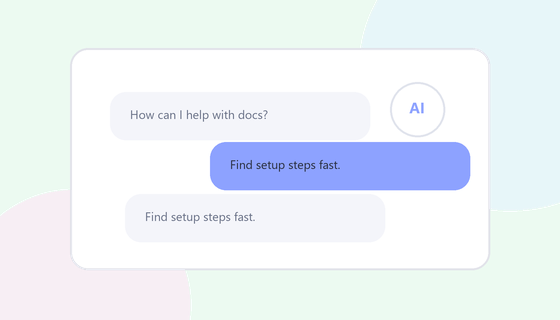
AI Chat Assistant
Guide users with an AI assistant that answers questions and points them to docs.
Table of Contents
Give long articles a sticky structure so readers can jump between sections.
AI Doc Summarizer
Turn long documentation into concise summaries users can understand faster.
Light/Dark Theme
Match user preference and brand style with polished light and dark modes.
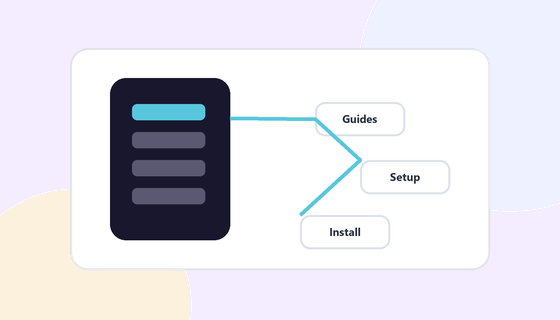
Navigation Organization
Structure docs with clear menus, hierarchy, categories, and entry points.
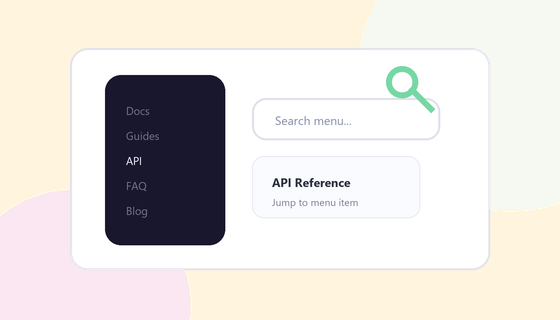
Instant Menu Search
Let users search inside navigation and jump to the right page faster.
Menu Icons
Make navigation easier to scan with visual icons for pages and sections.
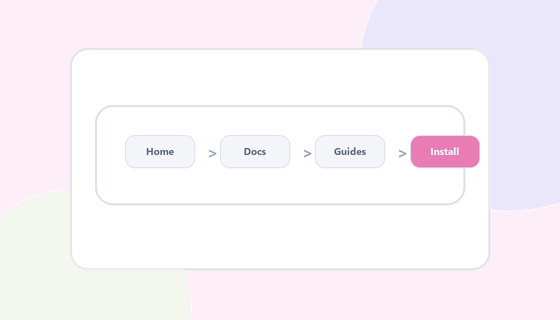
Breadcrumbs
Show users where they are and help them move through documentation hierarchy.
Copy MD file
Export documentation to Markdown for portable, developer-friendly workflows.
Listen to Article
Convert written articles into audio for a more flexible reading experience.
Export PDF
Give visitors clean PDF versions for saving, sharing, or offline reading.
Collapsible Sidebars
Keep layouts focused with left and right sidebars that collapse when needed.
Print Article
Provide printer-friendly article output for offline documentation copies.
Share Social
Make important documentation easy to share across social channels.
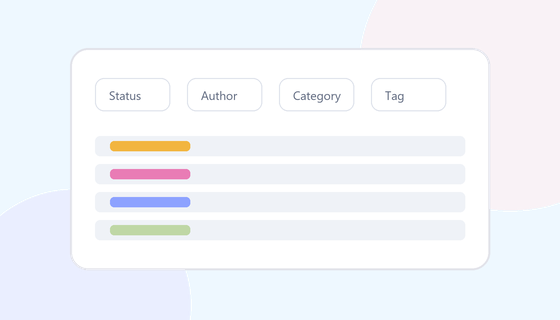
Advanced Filters
Help users narrow large libraries by status, category, author, tags, and metadata.
Gutenberg Custom Blocks
Create richer article layouts with documentation-specific Gutenberg blocks.
Accessibility
Improve readability and usability with accessible documentation patterns.
Consent Banner
Add a clear consent experience for privacy, cookies, and compliance.
Knowledge starts with structure
Launch Your WordPress Knowledge Base Faster
Create a modern self-service experience with powerful documentation, AI-ready workflows, and Elementor-friendly customization built directly for WordPress.